Make everything you build look like it belongs together.
Your AI tools know what to build. OpenDesigner tells them how it should look: one set of design rules that every new screen follows, and that it updates when you change your mind.
DESIGN.mdButtons and fields have 6px corners; cards have 8px corners.
164 color pairs checked · 50 files · 0 errors
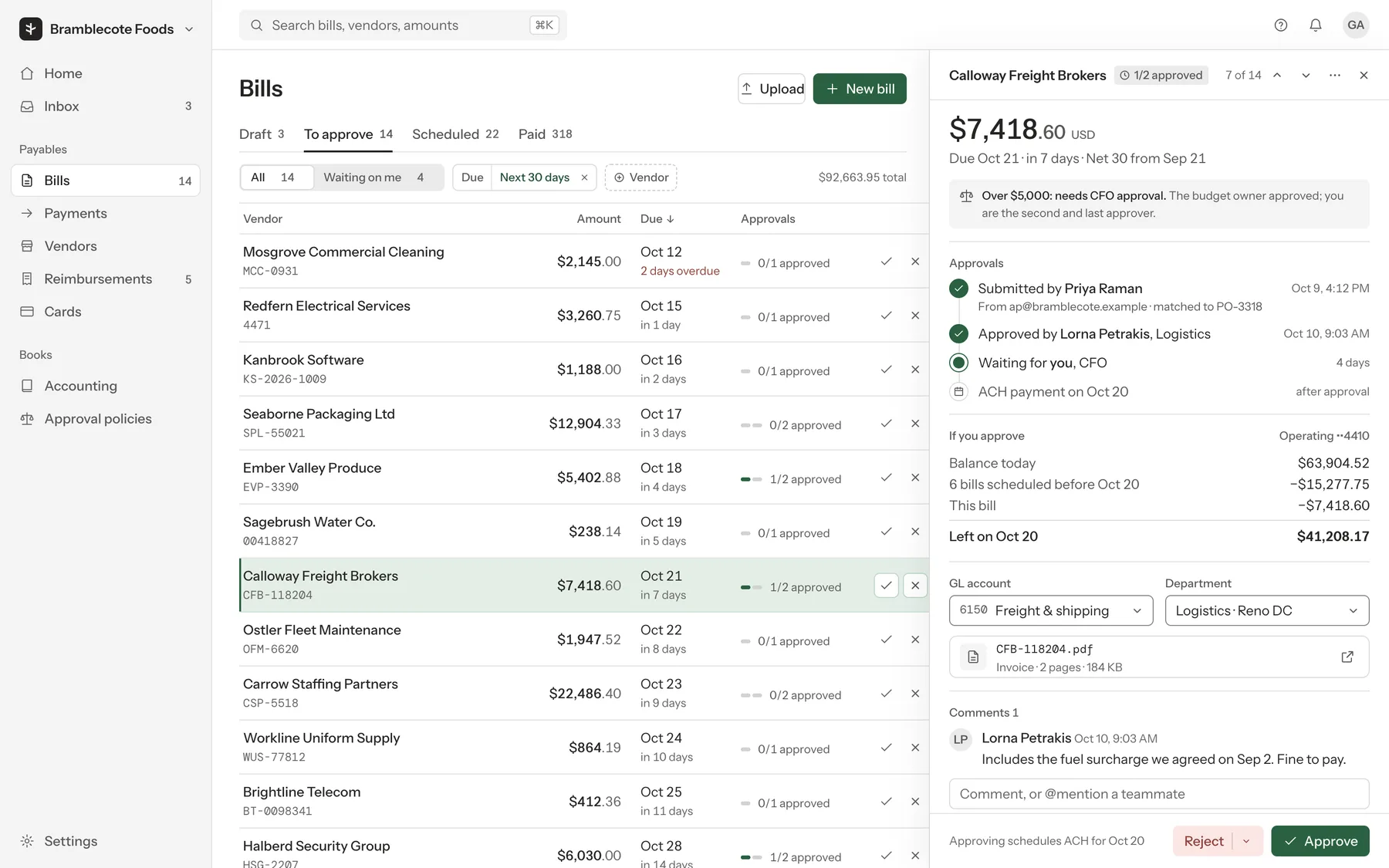
3 · Your AI buildsBillerwick
Invoice 2207Waiting on you
Marlowe & Pratt Supplies · due Fri 16 Oct
$14,860.00
Traction battery × 1$12,940.00
Charger, three-phase × 1$1,420.00
Delivery and fitting$500.00
DeclineApprove $14,860
A real example: five answers, the rules written from them, and a screen built only with those rules. Photo: Philipp Hubert on Unsplash.
Works in the AI tool you already use
Claude Code / app
ChatGPT / Codex
Cursor
Copilot in VS Code
Gemini CLI
01The problem
Every new screen drifts a little.
One page gets rounded buttons, the next gets square ones, and a new blue appears. People notice: they judge how a page looks in 17 to 50 milliseconds, and simple, familiar screens are the ones they rate most appealing (research).
A copy in every tool
Each tool keeps its own corner value. Each new screen makes its own small choice, and the copies drift apart.
Design tool8 px
Code6 px
A new screen from an AI chat12 px
One source that every tool reads
The agreed value lives in one token file. Designers, engineers and AI coding tools all read the same number.
opendesigner/tokens/ radius.control6 px
DesignersFigma variables6 px
EngineersCSS, Tailwind, Swift, Compose6 px
AI toolsDESIGN.md, read before any change6 px
Copies drift: a design file, the code and a new AI-built screen each end up with their own corner value. One token file, exported to every tool, keeps them the same number.
02The fix
One set of rules that every screen follows.
OpenDesigner turns a few plain answers into rules for color, type, spacing, corners and motion. Here are three products, each made from five answers.
The five answers
Making
a habit app for families
Who
Used regularly
Where
iPhone and web
Feel
friendly, playful
Brand color
#E0457B
What the engine wrote
Corners
16px controls, 24px cards
Control height
40px
Body text
16px
Type scale ratio
1.25
Heading weight
650
#E0457B stays your brand color, but white text on it reads at only 3.96:1, and the system's dark text at 3.93:1. So buttons use #d13c71, which reads at 4.57:1.
Real engine output (site/demo_systems.py), nothing tuned by hand. Each system also has dark mode, three densities and reduced motion. Photo: Sean Fahrenbruch on Unsplash.
03Real screens
What consistent looks like.
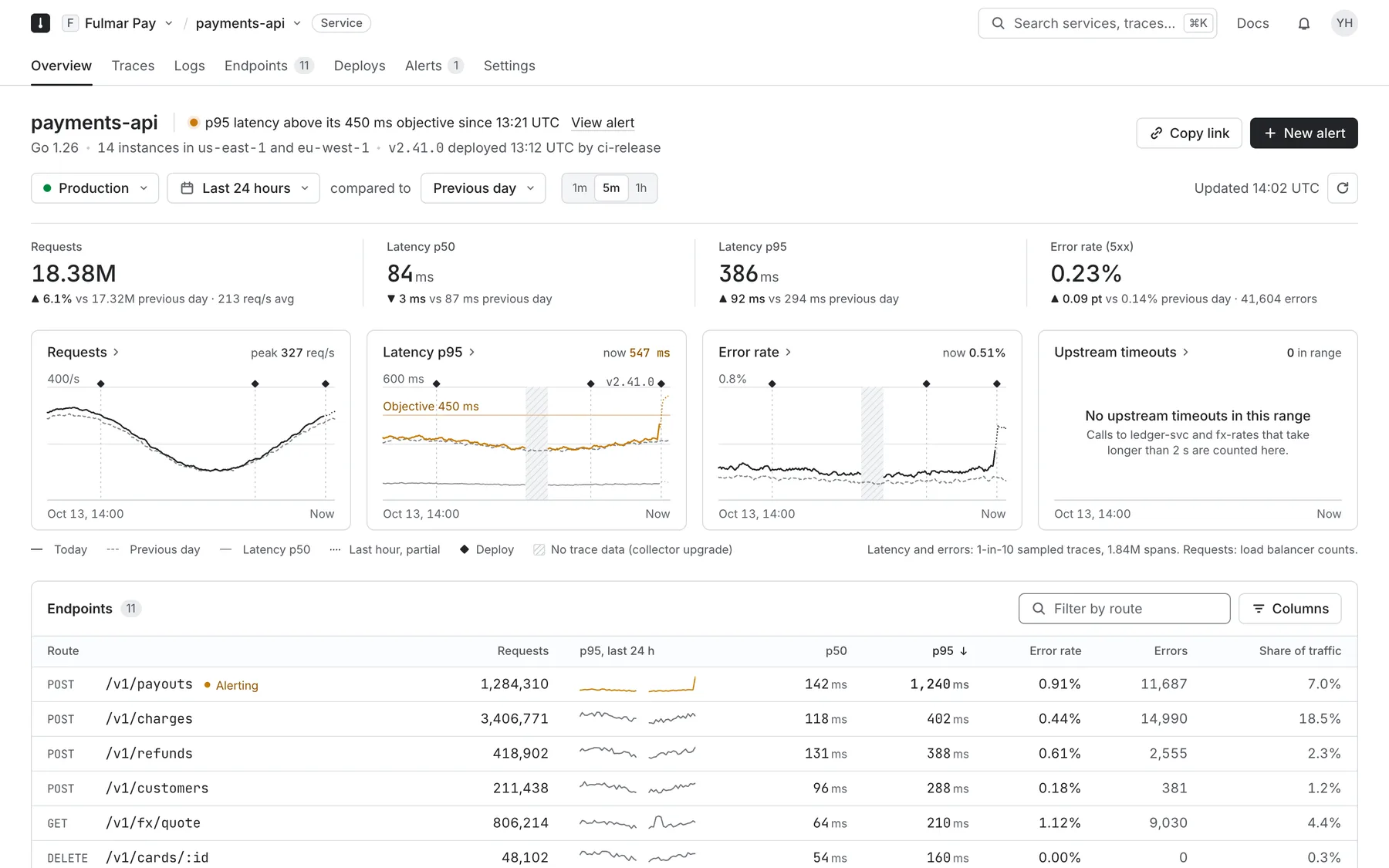
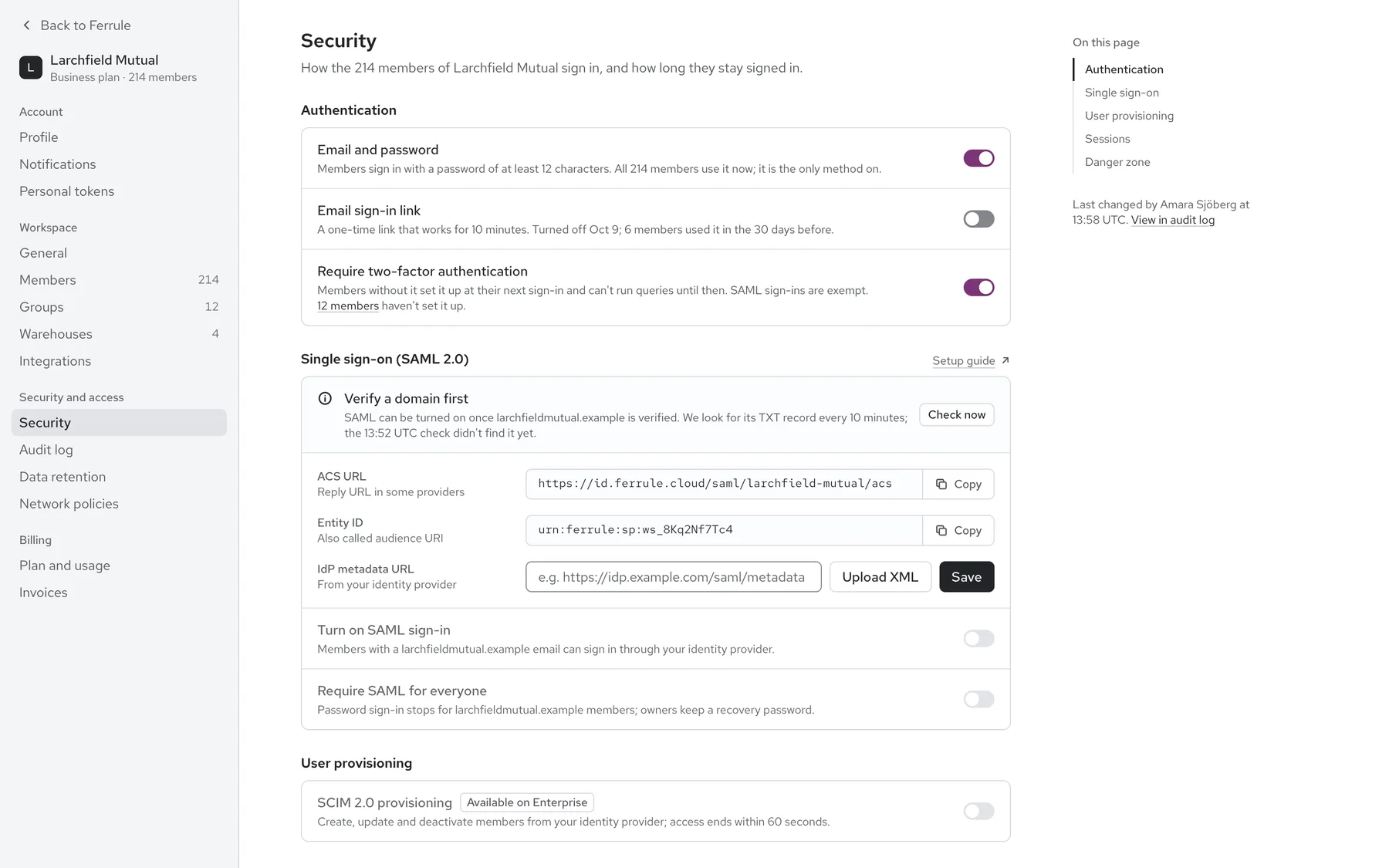
B2B screens built by AI agents through OpenDesigner and reviewed by the maintainer. Every brand is invented, and much of the identity work was done outside the tokens.
Live from GitHub. Tell us where it breaks: that is the most useful thing right now.
Talk it through
Work through your design with Kunal.
A free 20-minute call with Kunal, OpenDesigner's maintainer, to see whether it fits your product and where to start. OpenDesigner stays free; you never need a call to use it.
OpenDesigner is a free, open-source add-on for AI tools like Claude, ChatGPT, Codex and Cursor. It helps you make a design system: the rules for how your app looks, like colors, text sizes, spacing, corners and buttons. It reads your project, asks a few plain questions, suggests an answer for each with a reason, checks the result, and saves the rules as files in your project.
The code, skills and data are under the MIT licence. The written research and docs are under CC BY 4.0. You need your own AI tool, which may cost money. See the introduction.
Isn't this just a prompt?
Part of it is written instructions your AI follows, yes. The math is done by a Python engine. It works out color ramps, type and spacing scales, contrast checks and every export. The same answers give the same files. The questions follow a fixed order, so nothing is asked before the things it depends on. You can also run the engine with no AI at all. See How it works.
Which AI tools does it work with?
It is packaged for Claude Code, the Claude app, ChatGPT (as a Project), and for Codex, Cursor, VS Code with Copilot, Gemini CLI and other agents that read skills from .agents/skills/. A recorded test run in each of those tools is still on the to-do list. See Install.
Does it send my code or data anywhere?
The engine runs on your computer, uses Python's standard library and makes no network calls. Your chat still goes to whichever AI provider you use, as with any prompt. The illustration skill searches open-licence art sites, but only when you use it. In the Claude app, the scripts run in Claude's code-execution sandbox.
The private log of your steps is off unless you say yes, and it stays in your project. Anonymous reports to the maintainers are a separate yes, and no server collects them yet, so nothing is sent today. See the privacy page.
Try it
Make your next feature feel like it was always there.
One set of rules, and every screen after that follows it.